Why This Comparison Is Relevant Now
The evolution of AI and LLM tools has opened up countless possibilities for automating tasks and streamlining processes. People are still figuring out new ways to work smarter and faster using AI. This includes parsing data from sources like emails or documents.
Because of this, many users are unsure which approach to follow: a dedicated email parser like Mailparser, or an AI tool like ChatGPT or Claude.
This confusion is understandable. Both approaches can extract data from emails, and both can be integrated into automated workflows. At a surface level, they may appear interchangeable.
However, they rely on fundamentally different methods.
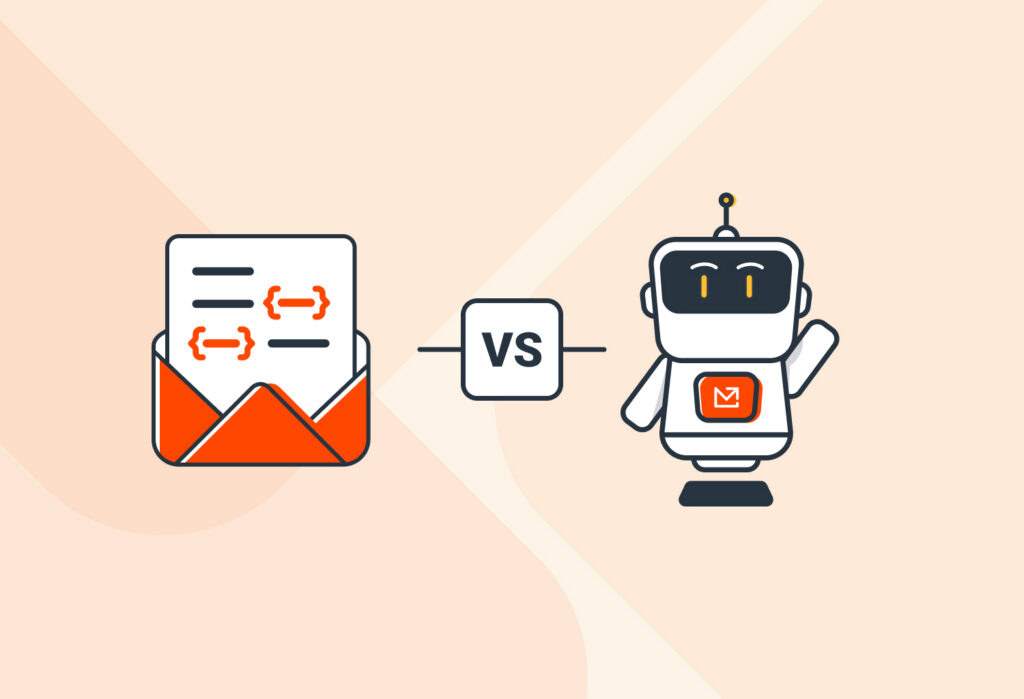
Traditional parsers use rule-based logic to extract structured data from consistent formats. AI tools, on the other hand, rely on probabilistic models trained on large datasets to interpret content and generate outputs.
To clear up the confusion, let’s examine what each tool does best.
What AI Works Best for
To parse emails with AI, you have to set up a system where emails are first collected through a platform (such as Gmail or Outlook), sent to an AI model for processing, and then routed to a destination like a CRM or spreadsheet.
Where AI data extraction truly shines is in its ability to interpret meaning, adapt to content or layout variations, and extract information from natural language. For example, it can recognize that “phone,” “contact,” or “mobile” refer to the same field, even when phrased differently.
However, setting up this type of workflow may require some technical skills. True enough, you can use no-code tools like Zapier to connect systems, but you may have to add code in your prompts and design them effectively to get consistent results from AI.
Additionally, because AI models generate outputs based on probabilities, their results may vary depending on input phrasing or context. This makes them well-suited for flexible interpretation, but less predictable in highly structured, repeatable workflows.
What Email Parsing Excels At
Email parsers work best for structured, repeatable email data extraction. Most of the time, they rely on user-defined rules (like keywords, patterns, and layouts) to extract data points from emails.
This approach produces excellent results when emails follow a consistent format: order confirmations, lead notifications, appointment requests, etc.

The structured outputs can then be automatically sent to databases, spreadsheets, CRMs, ERPs, and other systems. This makes parsers reliable for recurring workflows where accuracy is paramount.
Another advantage is ease of use. A good email parser is simple enough to be used by anyone and allows the user to customize the parsing rules without writing any code.
With that said, email parsers are less flexible when dealing with unpredictable or frequently changing formats. If the structure of incoming emails changes significantly, rules may need to be updated to maintain accuracy.
Should You Use an Email Parser or an AI tool? Key Differences to Consider
When trying to decide between an email parser and an AI-powered system, the choice will come down to your workflow requirements.
It’s important to note that neither approach works perfectly for all use cases. AI offers more flexibility and adaptability, while email parsers provide consistency and efficiency. The right choice depends on how structured your data is and how critical consistency is for your workflow.
Here are the key factors to consider when comparing email parsers vs AI.
Technical skills
AI tools are powerful, but building a custom AI email parser requires effective prompt design, API integrations, and ongoing adjustments. Additionally, it can be difficult for non-technical users to use it.
By contrast, email parsers are typically designed to be user-friendly, allowing teams to build reliable parsers without technical skills.
Reliability
Most often, email parsers are deterministic, meaning they rely on fixed, rule-based logic to extract data. As such, they will extract data accurately as long as the email layout and structure remain stable.
Keep in mind, however, that you can handle layout variation with Mailparser by setting up multiple inboxes, one for a different email source or format.
AI tools, on the other hand, rely on probabilistic models: they use probabilities to generate outputs that are most likely to be correct based on data. Consequently, they may occasionally return unexpected or inconsistent results.
Cost and scalability
Naturally, you need to compare the cost and scalability of both options. The right choice depends on the nature of the workflow and the volume of emails to process.
Email parsers have clear pricing, so you can easily estimate costs as email volume grows. This makes them straightforward to scale for structured, high-volume workflows.
AI-based workflows may involve usage-based pricing (per request or token), meaning the cost can increase with volume and complexity. As a result, scaling AI-heavy pipelines may require closer monitoring of usage to avoid unexpected costs.
When to Use Mailparser, When to Use AI, and How They Can Work Together
Use Mailparser if:
If you receive emails that follow a consistent structure and you need reliable data extraction at scale, use Mailparser. Common use cases include lead capture, invoice processing, order processing, and more.
The email format is expected to remain stable over time. If it changes, you can update parsing rules or create new inboxes to handle different email formats.