What Is HubSpot?
HubSpot is one of the leading CRM platforms, standing alongside giants like Salesforce and Zoho CRM. What makes it stand out is that it brings several business functions into a single, connected system.
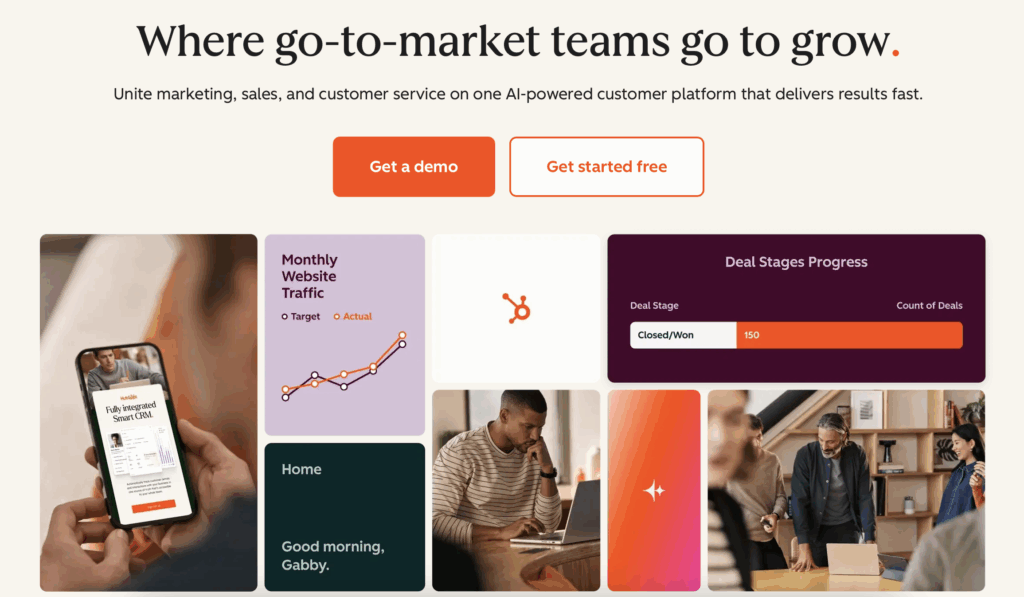
With HubSpot, businesses can attract and convert leads through inbound marketing tools like SEO optimization, blog publishing, and email campaigns. Once prospects are in your pipeline, sales automation features help track deals, follow up with leads, and close opportunities faster. Teams can then use customer service tools to manage tickets, gather feedback, and build lasting relationships — all while accessing reporting dashboards that reveal what’s driving growth. Talk about comprehensive!
And that’s not all: HubSpot also includes a content management system (CMS) for building your website, creating landing pages, and publishing marketing content (blogs and emails) without relying on external tools.
It’s no wonder that HubSpot is so popular. But while it provides a strong suite of built-in features, the HubSpot integration services extend its capabilities even further.
What Are The Benefits of HubSpot Integrations?
By connecting HubSpot to your favorite tools, you can automate repetitive tasks and keep your tech stack in sync. Here’s what makes HubSpot integrations so valuable:
- Time savings: Automate routine tasks to free up time.
- Cross-team efficiency: Marketing, sales, and support teams can collaborate more effectively with shared insights.
- Better data accuracy: Keep customer and lead data consistent across all tools.
- Enhanced customer experience: Smoother processes enable faster support and happier clients.
- Scalability: Integrations make it easier to grow your operations without adding complexity.
In short, HubSpot integrations help your tools work together instead of separately — so you can focus less on managing software and more on building relationships with leads and clients.
With this in mind, it’s time for us to introduce 5 of the best HubSpot integrations that can help boost your productivity to new levels.
1. Mailparser for capturing data from emails
If you receive lead data by email, you will save a lot of time and effort by extracting it into HubSpot instead of inputting it manually.
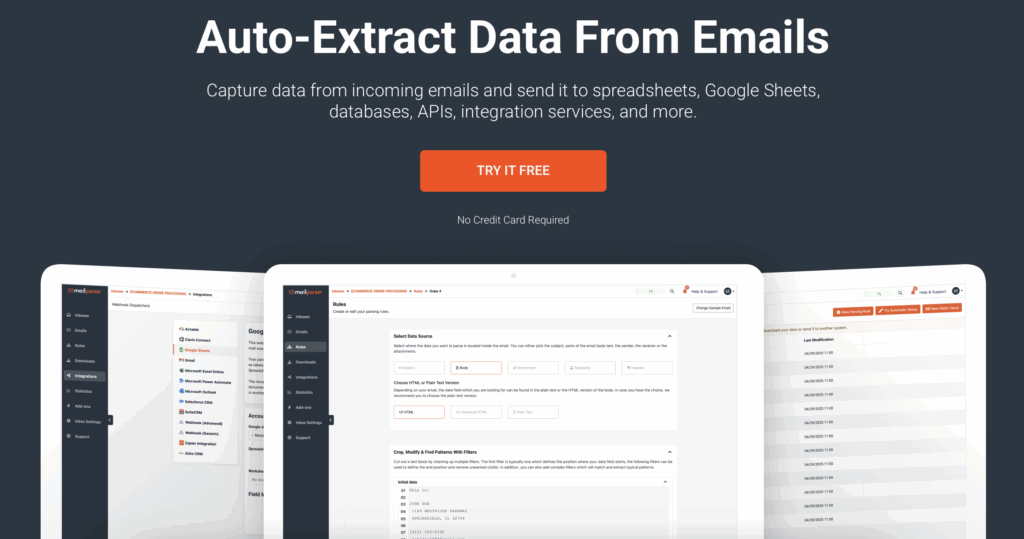
Mailparser is an email parsing tool that automatically extracts structured data (like contact forms, invoices, support tickets, etc.) from emails – both the email body and attached files. Instead of sifting through your inbox and copying lead information by yourself, automate lead capture and send the data to HubSpot.
What this HubSpot Integration does
When you connect Mailparser with HubSpot via Zapier, all the important data you receive by email is extracted and sent to HubSpot. There, an automated action is triggered, such as creating or updating contact records. This makes the lead capture workflow far more efficient by:
- Eliminating manual data entry
- Preventing errors that happen when typing or copying and pasting data
- Ensuring every lead or inquiry is instantly added to your CRM, thus speeding up the follow-up process
Key features
- Capture data from email bodies and multiple attachment file formats (PDF, DOCX, CSV, etc.).
- Automatically extract key details like names, emails, phone numbers, and custom fields.
- Set custom parsing rules to ensure precise and consistent data extraction.
- Sync parsed data in real time to HubSpot contacts, companies, or deals.
Watch this short video from Zapier to learn how to connect Mailparser to HubSpot:
2. Meta Ads (Facebook & Instagram) for advertising
Meta Ads allows businesses to run paid advertising campaigns across Facebook and Instagram, targeting audiences based on demographics, interests, and behaviors. It’s one of the most powerful platforms for reaching potential customers and driving brand awareness at scale.

What this HubSpot integration does
When you connect Meta Ads with HubSpot, your ad campaigns and lead forms are directly linked to your CRM. Every time someone submits a Facebook or Instagram lead form, their details flow automatically into HubSpot as a contact. You can then trigger nurturing workflows, track conversion performance, and measure true ROI across your marketing funnel.
This integration improves the efficiency of advertising campaigns by:
- Eliminating the need to import leads from Meta manually
- Centralizing ad performance data within HubSpot’s dashboards
- Enabling automated follow-ups for faster response times
Key features
- Build targeted audiences that automatically sync with your Facebook Ads.
- Create and manage Facebook Lead Ads directly from HubSpot, with leads flowing straight into your CRM.
- Track ad performance and ROI through detailed attribution and reporting views.
- Manage all campaigns in one place to keep your messaging consistent across channels.
Why users love it
B2B marketers love this integration because it bridges the gap between social media advertising and CRM. In fact, it’s the most installed HubSpot integration, with over 131,000 installs as of 2025.
It’s clear why this is one of the best HubSpot integrations: it ensures no lead gets lost and gives sales teams the data-driven visibility they need to make better ad decisions. You can imagine the result: your business will drive more conversions and revenue with the same advertising budget.
3. Slack for team collaboration
Slack is one of the most widely used team communication platforms, enabling real-time messaging, file sharing, and collaboration across departments. It keeps teams connected and aligned, whether they’re in the same office or spread across multiple locations and even time zones.
What this HubSpot integration does
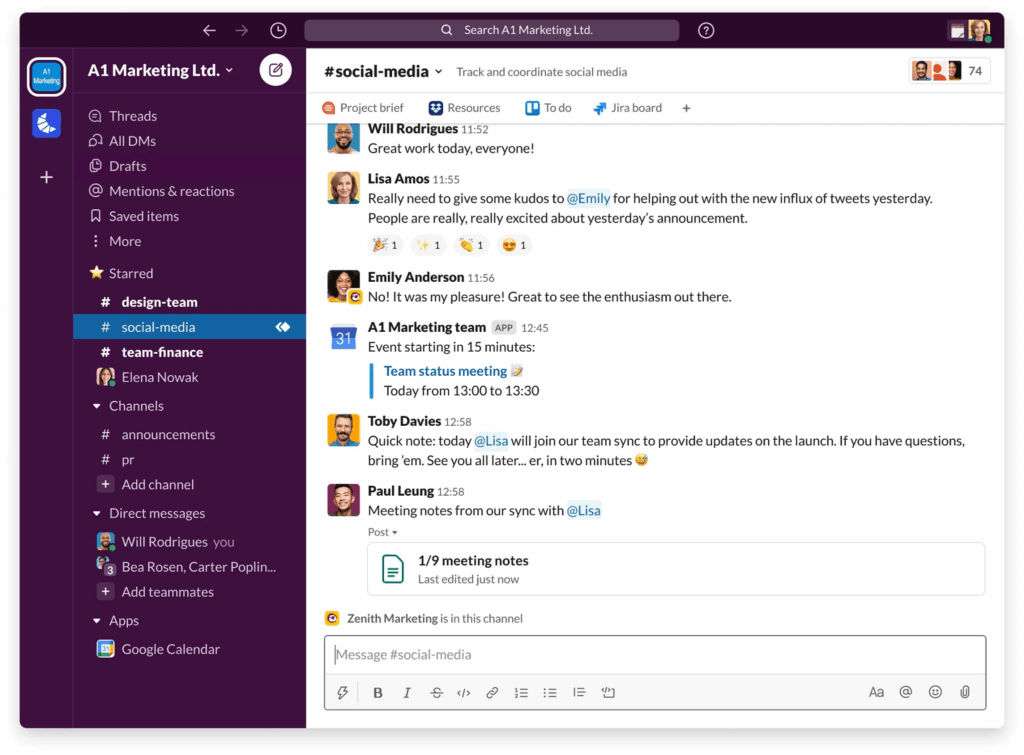
The Slack integration connects your HubSpot data directly to your team’s communication hub. You can receive instant notifications in Slack when a new lead fills out a form, a deal closes, or a support ticket is created. You can also use HubSpot slash commands to create tasks or pull contact details without leaving Slack.
This integration streamlines your workflows by:
- Keeping your team instantly informed about key CRM updates
- Reducing the need to constantly switch between HubSpot and Slack
- Helping sales and marketing teams act on leads the moment they arrive
Key features
- Get notified in Slack for new contacts, deals, or form submissions.
- Assign leads or coordinate deal discussions in dedicated Slack channels.
- Create tasks or search HubSpot records directly from Slack with slash commands.
- Send automated Slack messages from HubSpot workflows.
- See HubSpot contact details instantly when mentioned in Slack.
Why users love it
Teams love this integration because it makes HubSpot activity visible where collaboration actually happens — in Slack. Instead of waiting for updates or checking dashboards, your team can take immediate action on new opportunities, boosting response times and improving coordination between marketing, sales, and support.
“It can really keep us in Slack updated about all that is happening in HubSpot.”
– Slack integration user
4. Calendly for scheduling meetings
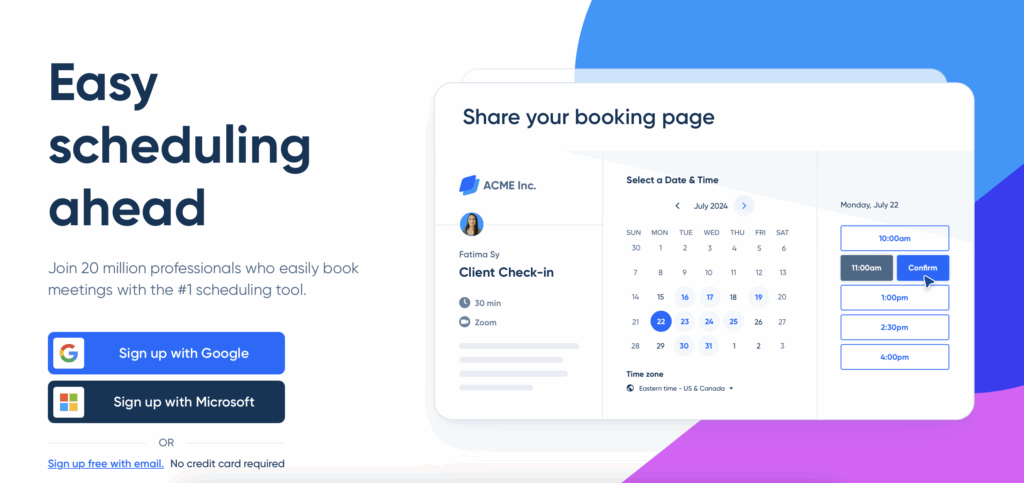
Calendly is a scheduling platform that lets clients, leads, or partners book meetings without back-and-forth emails. Users simply share a personal booking link, and Calendly automatically finds available time slots based on connected calendars.
What this HubSpot integration does
With the Calendly + HubSpot integration, every new meeting booked through Calendly can automatically create or update a contact in HubSpot. Meeting data (such as attendee name, email, and event details) is synced to the contact record, so you sales agents always stays up to date.
This integration improves efficiency by:
- Eliminating manual meeting data entry
- Keeping HubSpot records accurate and complete
- Allowing faster follow-ups with prospects after meetings
Key features
- Allow visitors to book meetings instantly through your website using Calendly Routing with HubSpot Forms.
- Embed Calendly directly on your HubSpot site and include scheduling links in your HubSpot emails.
- Automatically create or update contacts and activities in HubSpot whenever a meeting is booked, rescheduled, or canceled.
- Capture responses from custom booking questions and store them in HubSpot contact records.
- Monitor and analyze Calendly activity and performance directly within HubSpot.
Why We Recommend It
Sales and customer success teams love this integration because it saves hours of coordination time and ensures every client interaction is tracked. Meetings move from Calendly to HubSpot instantly, enabling your team to focus on having conversations, nurturing relationships, and closing deals.
“We can distribute appointment requests (to “sales” or “partnerships”) based on the questions in a HubSpot form. All prospects route via a single form and are scheduled with the correct executive.”
– Calendly integration user
5. Docusign for document automation
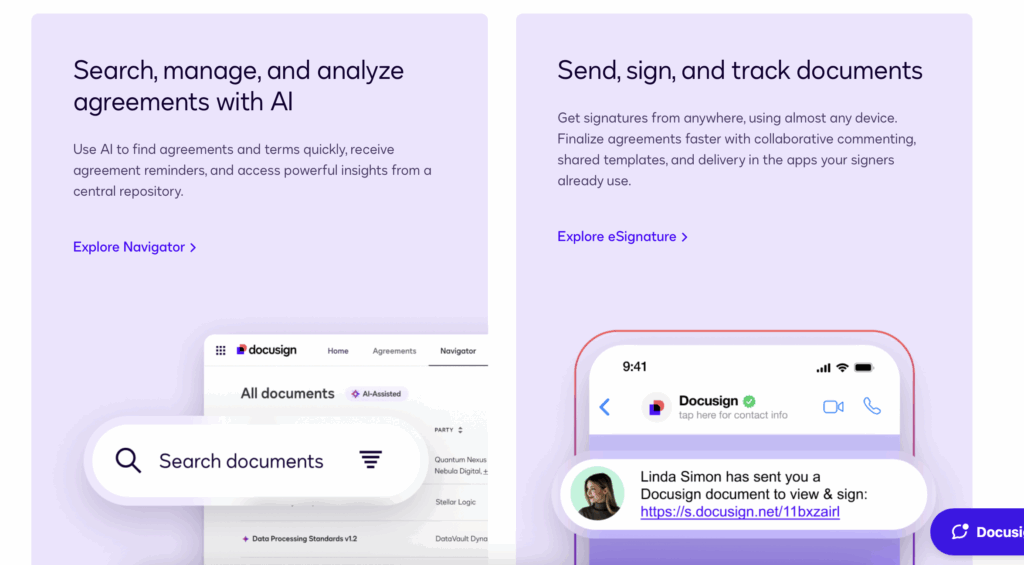
Docusign is a leading eSignature solution that allows businesses to send, sign, and manage legally binding documents electronically. It eliminates the need for printing, scanning, and mailing contracts, making the signing process faster and more secure.
What this HubSpot integration does
The Docusign + HubSpot integration connects your eSignature workflows with HubSpot. You can send contracts directly from HubSpot deals, track signing status in real time, and automatically update deal stages once agreements are completed.
This integration improves efficiency by:
- Reducing delays caused by manual contract handling
- Keeping sales teams within HubSpot for all deal-related tasks
- Ensuring every signed document is logged and accessible in CRM records
Key features
- Map custom fields between HubSpot and DocuSign for seamless data sync.
- Track envelope status directly from contact, company, or deal records.
- Manage associations and create or attach new DocuSign envelopes with ease.
- View envelope history and details, including recipient status, sender, and dates.
- Use templates to attach new envelopes and open them in the DocuSign editor.
Why we recommend it
Sales teams love this integration because it cuts the contract turnaround time from days to minutes. It removes friction in the sales process, builds trust with clients through secure eSignatures, and gives teams full visibility from proposal to payment — all within HubSpot.
In Conclusion
HubSpot integrations turn a great CRM into a productivity powerhouse. By connecting tools like Mailparser, Meta Ads, Slack, Calendly, and DocuSign, teams can automate repetitive tasks, improve data accuracy, streamline the sales pipeline journey, and more. By using these integrations, you won’t have to juggle multiple isolated platforms – an issue that adds an unnecessary workload, leads to miscommunications, and creates data silos.
Implementing the right integrations ensures your HubSpot workflows are not only efficient but also scalable, giving your team the flexibility and insight needed to make smarter decisions and achieve better results. Get started today by signing up for a Mailparser free trial. Start extracting important information from emails and have it automatically sent to HubSpot to automate routine workflows.